TradingView Webhook Format: Every Payload Field Explained
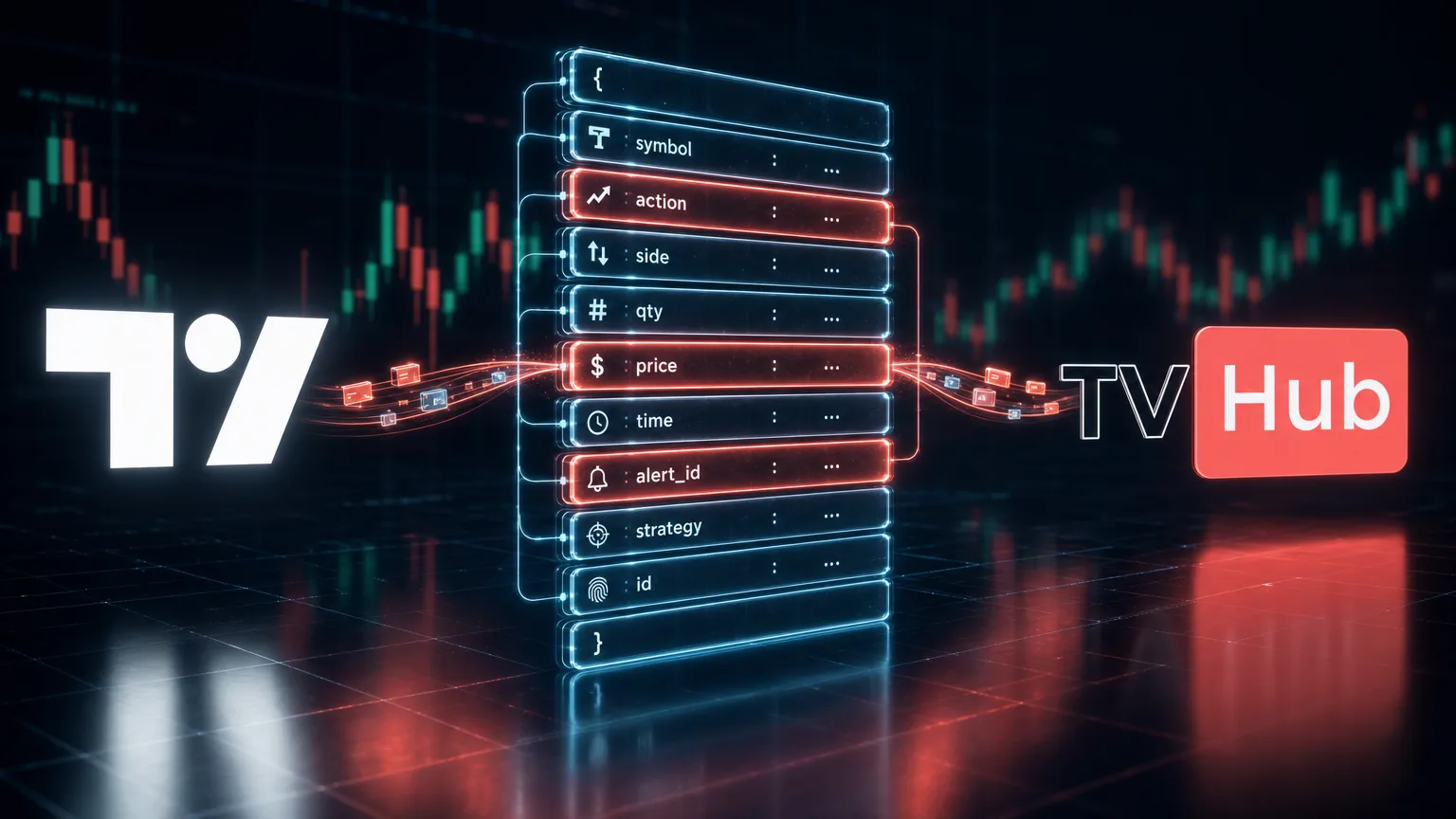
Every order TradingView Hub places on an exchange begins as a JSON payload sitting in the Message field of a TradingView alert. That payload is the core of an automated trading setup: your alert fires on TradingView, and TV-Hub acts as the bridge that turns it into a real order on your exchange. This post walks the payload field by field, using the real camelCase schema, so the example you copy actually executes instead of landing as an error entry in your Activity Log.
If you're building your first auto-trading setup from scratch, start with the TradingView automation guide, which covers the whole flow including a video tutorial. This post is the payload reference behind that setup.
TL;DR
Four fields are required in every payload:
exchange: which exchange adapter receives the orderpair: the exchange-native ticker, likeBTCUSDTtoken: your TVH user token, a GUID that says who you areapiKey: the name of the exchange key that says which account to trade
Direction (isBuy / isSell / isClose) and order type (isMarket / isLimit) are booleans, not strings. Everything else, from leverage to stopLossPercent to the targets array, is optional and stacks on top.
What does a TradingView Hub webhook payload look like?
A valid payload is a flat JSON object with four required fields plus one direction flag. TradingView posts the contents of an alert's Message field to your webhook URL, as described in TradingView's webhook docs (accessed July 2026). The full TradeCommand exposes 84 properties, but a working order needs only a handful.
Here's the smallest payload that actually fills on an exchange:
{
  "exchange": "bybit",
  "pair": "BTCUSDT",
  "isBuy": true,
  "isMarket": true,
  "unitsType": "percentBalance",
  "unitsPercent": 1,
  "apiKey": "bybit-demo",
  "token": "YOUR_TOKEN"
}
Paste that into your alert's Message field, drop your webhook URL into the Webhook URL box, and the alert is wired. When the condition fires, a 1% market buy hits Bybit. Two endpoints exist: Binance markets (binance, binance-futures, binance-futures-coin) post to https://binance.tv-hub.org, and every other exchange posts to https://alerts.tv-hub.org. The quickstart runs this same flow against a demo account so you can test with zero risk, and the full field list lives in the canonical schema built for pasting into an LLM.
That path is not instant. We logged 34,174 alerts over 24 days to measure it: the median took 4.0 seconds from candle close to delivery, and the slowest 5% needed more than 9.9 seconds. The webhook latency study shows where that time goes and which timeframes stay reliable.
One caveat before you build this. Webhooks are a paid TradingView feature. The free plan doesn't include webhook delivery, so it can't fire automated webhook orders; that starts with the Essential tier. As of July 2026, the free plan includes 3 active price alerts, which is enough to test a single strategy by hand. TradingView's alert docs (accessed July 2026) cover how to attach the Message and the URL. If you're wiring Bybit specifically, the TradingView to Bybit guide covers the account side, and there's a step-by-step walkthrough to connect Bybit to TradingView with screenshots and troubleshooting.
The four fields every payload requires
Four fields carry a required flag in the schema: exchange, pair, token, and apiKey. The core parameters reference marks all four as mandatory. Miss token and TVH rejects the request before it even looks at the order. Miss apiKey and TVH can't tell which exchange account to route to. Both failures show up as error entries in the Activity Log, and the Debug a Failed Trade Alert guide maps each entry to its fix.
| Field | Type | Required | What it does |
|---|---|---|---|
exchange | string | yes | Selects the exchange adapter. Lowercase, hyphenated (binance-futures, bybit, okx). |
pair | string | yes | Exchange-native ticker (BTCUSDT, not BTC/USDT). |
token | string | yes | Your TVH user token, a GUID. Authenticates who you are. |
apiKey | string | yes | The name you gave an exchange key in the dashboard. Selects the account. |
The last two are the ones people confuse. token authenticates the caller: it's a GUID from your account settings that answers who you are. apiKey is the name you gave an exchange key in the dashboard, and it answers which account the order runs on. Every payload needs both, and they're never interchangeable.
How do you set direction, order type, and price?
Direction and order type are booleans, not string enums. Set isBuy: true or isSell: true for entries, isClose: true to flatten. Pair that with isMarket: true for a market order, or isLimit: true plus a price for a limit. The trade command anatomy explains how the receiver maps these flags.
This is where most hand-written payloads go wrong, so it's worth stressing. There is no side: "buy" and no type: "market" in the schema. Direction is three mutually exclusive booleans, isBuy, isSell, and isClose. Order type is two more, isMarket and isLimit. Send isLimit: true and TVH reads the price field as your limit price. Send isMarket: true and price is ignored.
There's one string field that looks like direction but isn't. orderType exists only to map TradingView's {{strategy.order.action}} placeholder inside strategy alerts. For a normal hand-built webhook, stick with the booleans and leave orderType out.
How do you size a position?
Sizing runs through units plus unitsType, which accepts six values: absolute, percent, percentBalance, percentWallet, percentPosition, and risk. The parameter reference lists each. Note that units is never a quote-currency amount, so a fixed dollar size uses a separate mechanism.
For most alerts you'll send unitsType: "percentBalance" with unitsPercent set to the share of available balance you want to commit, exactly like the minimal example above. absolute means a raw base-asset quantity, so units: 0.5 on BTCUSDT is half a Bitcoin. risk derives the size from your stop distance instead.
Here's the precedence rule that trips people up. If you want to spend a fixed quote amount, say exactly 250 USDT, do not put 250 in units. There is no unitsType: "quote". Instead, set useFixedSize: true and fixedQuoteSize: 250, which overrides units and unitsType entirely. Getting this wrong is the difference between a $250 order and a 250-coin order the exchange rejects.
How do you attach a stop-loss and take-profit?
Stop-loss is a top-level field: stopLossPercent with stopLossType: "percent", or stopLoss for an absolute price. Take-profit is not a single field. It lives in a targets array, where each entry carries a takeProfitPercent and an amount. The parameter reference documents both, along with the targetType switch.
Send the stop and targets in the same payload as the entry. TVH places them as native exchange orders where the exchange supports it, so they keep working even if your dashboard or connection drops. A 5% entry with a 2% stop and a 4% target looks like this:
{
  "exchange": "bybit",
  "pair": "BTCUSDT",
  "isBuy": true,
  "isMarket": true,
  "unitsType": "percentBalance",
  "unitsPercent": 5,
  "stopLossType": "percent",
  "stopLossPercent": 2,
  "targetType": "percent",
  "targets": [
    { "takeProfitPercent": 4, "amount": 100 }
  ],
  "apiKey": "bybit-demo",
  "token": "YOUR_TOKEN"
}
The targets array is what lets you build a laddered exit. Add more entries, each with its own takeProfitPercent and its share of the position in amount. Set targetAmountInPercent: true when those amounts are percentages of the position rather than base-asset quantities.
For futures, leverage is a separate field, and its ceiling isn't a fixed number. TVH sets the exchange-side leverage only when your requested value differs from the current setting, and the maximum is derived per exchange and per symbol. Both Bybit and Binance cap leverage by symbol tier, documented in Bybit's leverage endpoint and Binance's change-leverage docs (both accessed July 2026). Sending leverage: 0 tells TVH to use the symbol's maximum.
Common webhook mistakes to avoid
The mistakes that generate the most support tickets are predictable: a chart-formatted pair, a missing token, and a close alert without reduceOnly. The 15 common mistakes doc catalogs the full list. Most are a one-character fix once you know the exact field the receiver expects.
Using BTC/USDT instead of the exchange-native pair
TradingView chart tickers use a slash. Most exchange APIs don't. Bybit wants BTCUSDT, OKX wants BTC-USDT-SWAP, KuCoin Futures wants XBTUSDTM. TVH doesn't normalize pair names across exchanges, so copy the format from the exchange, not from your chart. In our experience this is the single most common cause of a rejected order.
Forgetting token or apiKey
No token and the request is rejected before the order is even considered. A wrong apiKey name, even a stray capital letter, means TVH can't find the credentials and the order never reaches the exchange. Both are case-sensitive, so copy them exactly as they appear in your dashboard.
Closing a position without reduceOnly
If a reversal signal fires a close or opposite-direction alert on a flat book, and you haven't marked it reduceOnly: true, you can accidentally open a fresh position in the opposite direction instead of just closing. On futures, set reduceOnly: true on any exit-only alert so it can only shrink a position, never grow one.
Ready to send your first payload?
Start on a demo account, paste one JSON block, and watch it fill in your Activity Log.
Start Free TrialSee all 84 fieldsFAQ
Frequently asked questions
Do I need both token and apiKey in every payload?
Yes. token is a GUID that authenticates you, the caller. apiKey is the name of the exchange key in your dashboard that selects which account the order runs on. Both are required in every payload.
Why didn't my alert produce a trade?
Start with the Activity Log: it shows the parsed payload, the exchange response, and an error entry when something is rejected. The most common causes are a missing or mistyped token and an apiKey that doesn't match your dashboard label. The Debug a Failed Trade Alert guide maps each log entry to its fix.
Can one alert send more than one order?
One alert equals one payload equals one order. If you need a batch, fire multiple alerts on the same condition, each with its own payload. TVH rate-limits per webhook to stop runaway loops.
Does leverage work on spot markets?
No. leverage applies to futures and other derivatives only. On a spot market it has no effect. Use a futures exchange ID like binance-futures when you want leverage.
What's the difference between units and fixedQuoteSize?
units is interpreted by unitsType, so it's a base-asset quantity or a percentage, never a dollar figure. To spend a fixed quote amount like 250 USDT, set useFixedSize: true and fixedQuoteSize: 250, which overrides units entirely.
Get the four required fields right, use booleans instead of string enums, and the rest of the schema is just optional fields you add as your strategy grows. When a payload bounces back, the gotchas page is the fastest way to find the field you missed.